Table of Contents
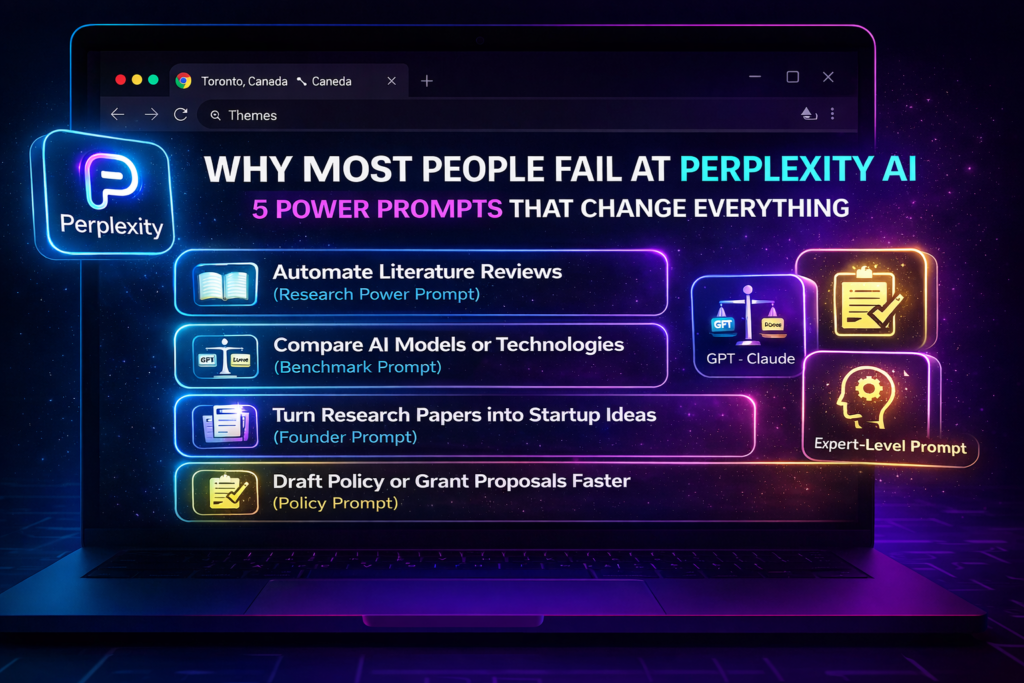
Toggle5 Powerful Perplexity AI Prompt Tricks Most People Never Use (And Why They Fall Behind)
Perplexity AI prompts are the reason some people finish hours of research in minutes—while others feel stuck, confused, and overwhelmed.
Why does this happen?
Because most users fail at Perplexity AI not due to lack of intelligence, but because they ask the wrong prompts. They treat Perplexity like a search engine instead of a research assistant, and that single mistake costs them time, clarity, and better results.
In this article, you’ll learn 5 powerful Perplexity AI prompts that researchers, students, founders, and analysts use to automate research, compare models, generate startup ideas, and draft evidence-backed documents—without wasting time or missing key sources.
Keep reading, because once you understand how these prompts work, you’ll never use Perplexity the same way again.
Why Most People Fail at Using Perplexity AI Prompts (And How to Fix It)
Here’s the uncomfortable truth.
Most people fail because they:
Ask vague questions
Don’t structure outputs
Ignore citations
Treat AI like a chatbot instead of a system
Perplexity works best when you tell it exactly how to think, search, and format results. The moment you switch from questions to role-based structured prompts, everything changes.
Let’s break down the exact prompts that make the difference.
1. Automate Literature Reviews Instead of Reading 50 Papers Manually
Why this matters:
Students and researchers waste weeks scanning abstracts and PDFs. Most of that time disappears with the right Perplexity prompt.
Instead of asking:
“Summarize papers about X”
Use a structured research-collaborator prompt.
Example Perplexity AI Prompts – Literature Review Automation
Act as a research collaborator specialising in [FIELD].
Search peer-reviewed papers from the past 12 months on [TOPIC].
For each paper:
– Summarise the key contribution
– Explain the methodology
– Identify limitations
– Highlight conflicting or debated findings
Format output as a table:
Paper | Year | Key Idea | Method | Limitation | Open Question
Cite all sources.
Why it works:
1. Forces Perplexity to filter recent research
2. Produces review-ready tables
3. Preserves citations for academic credibility
This single prompt can replace days of manual scanning.
2. Compare AI Models in Clean, Decision-Ready Tables
Why most people fail here:
They jump between blog posts, GitHub issues, and benchmark pages—and still feel confused.
Perplexity can unify all of that into one clean comparison.
Example Perplexity AI Prompts – AI Model Comparison
Compare [Model A] and [Model B] for the task of [TASK].
Include:
– Benchmark results
– Parameter size
– Training techniques
– Inference speed
– Strengths and weaknesses
– Ideal use cases
Present results in a table and cite sources.
Why it works:
1. Saves hours of research
2. Reduces bias by citing benchmarks
3. Helps students, bloggers, and engineers make informed choices
Perfect for AI articles, research notes, and product evaluations
3. Turn Research Papers Into Real Startup Ideas
Most people read research and stop there.
Smart users ask a better question:
“How can this research become a product?”
Perplexity excels at extracting commercial insights when guided properly.
Example Perplexity AI Prompts – Research to Startup Ideas
You are a venture researcher.
Based on the latest research papers in [FIELD],
identify 3 potential startup ideas.
For each idea include:
– Core research insight
– Problem it solves
– Possible product or service
– Target user
– Market relevance
Base ideas strictly on cited research.
Why it works:
1. Prevents unrealistic AI ideas
2. Grounds products in real science
3. Useful for founders, VCs, and hackathons
This is where research meets real-world impact.
4. Draft Policy and Grant Proposals Faster (With Evidence)
Why most proposals fail:
They lack structure, clarity, or evidence.
Perplexity can assemble evidence-backed first drafts that save massive amounts of time.
Example Perplexity AI Prompts – Policy & Grant Writing
You are a policy researcher.
Draft a 1-page proposal on [TOPIC] with:
– Problem Statement
– Recent Evidence (cited)
– Intervention Logic
– Expected Impact
– Risks and limitations
– References
Why it works:
1. Produces professional structure instantly
2. Maintains citation integrity
3. Ideal for NGOs, academics, and government work
You still edit the final version—but the hard work is already done.
5. Get Deep Explanations Without Wasting Time
Most explanations online suffer from two problems:
Too basic
Too long
Perplexity can deliver expert-level clarity when you set the right constraints.
Example Perplexity AI Prompts – Expert-Level Explanation
Explain [COMPLEX CONCEPT] as if I am a PhD-level reader.
Requirements:
– Skip basics
– Use analogies only if helpful
– Include historical context
– Cite key papers or sources
End with 5 concise expert takeaways.
Why it works:
1. Removes fluff
2. Preserves depth
3. Ideal for advanced learners
This is how you truly understand difficult topics—fast.
Why Prompt Engineering Is a Real Skill (Not a Trend)
These techniques prove one thing clearly:
Prompt engineering is not about clever wording.
It’s about designing workflows.
When you:
Assign roles
Define structure
Demand citations
Control output format
You turn Perplexity AI into a research assistant, analyst, and strategist.
Perplexity continues to evolve, supporting advanced models (including OpenAI’s latest systems), which means these workflows will only get more powerful over time.
Final Thoughts — Stop Asking Questions, Start Designing Prompts
Most users stay stuck at basic Q&A.
You won’t.
By applying these 5 Perplexity AI prompt strategies, you can:
Research faster
Write smarter
Build better ideas
Make informed decisions
Stay ahead of everyone still “just searching”
The difference isn’t the tool.
It’s how you use it.