Table of Contents
ToggleBest AI Chrome Extensions of 2026 (Free & Actually Useful)
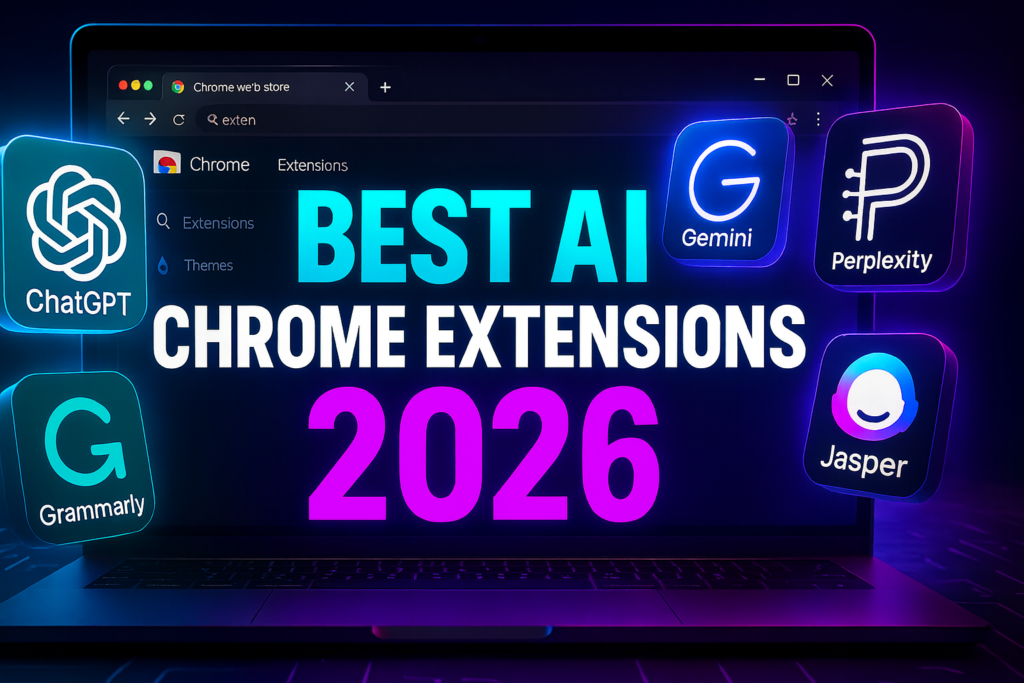
Best AI Chrome Extensions 2026
AI has become essential for writing, research, productivity, and online work. In 2026, hundreds of AI Chrome extensions launched, but only a few are genuinely fast, reliable, and worth installing.
Here are the best AI Chrome extensions of 2026, all free and actually useful.
Best Features
1. Highlight > Explain instantly
2. Summaries for PDFs, videos, articles
3. ChatGPT, Claude, Gemini inside sidebar
4. Works on YouTube + Google Docs
Why It’s Useful
Perfect for students, creators, researchers, and users who want instant assistance without switching tabs.
Best Features
1. Rewrite content
2. Improve tone & clarity
3. Auto email drafting
4. AI grammar corrections
Why It’s Useful
Ideal for content creators and professionals who need polished writing.

The latest tips and news straight to your inbox!
Join 30,000+ subscribers for exclusive access to our monthly newsletter with insider cloud, hosting and WordPress tips!
Best Features
1. AI captions for social media
2. Blog rewriting
3. SEO-friendly content
4. Brand tone matching
Why It’s Useful
Great for USA digital marketers and agencies needing fast content.
Best Features
1. CMD/CTRL + M quick access
2. Summaries for webpages
3. YouTube video summaries
4. Smart suggestions on Google Search
Why It’s Useful
Perfect lightweight AI assistant for everyday browsing.
Best Features
1. Summaries
2. AI citations
3. Chat assistant
4. PDF and image reading
Why It’s Useful
Ideal for student research, long reading, and knowledge tasks.
Best Features
1. Save highlights
2. Auto YouTube transcripts
3. AI note summaries
4. Knowledge library
Why It’s Useful
Perfect for learners and productivity lovers.
Best Features
1. AI silence removal
2. Auto summaries
3. Transcriptions
4. Instant screen videos
Why It’s Useful
Excellent for tutorials, trainings, and collaborative teams.
Best Features
1. Instant AI answers
2. Real-time citations
3. Quick lookup via sidebar
4. Image + chart explanations
Why It’s Useful
Great for replacing long Google searches with instant factual responses.
Best Features
1. Meeting notes
2. Speaker detection
3. AI-written highlights
4. Works on Zoom, Meet, Teams
Why It’s Useful
Perfect for remote workers, freelancers, and corporate teams.
Price: Free for 1 hour transcription
Best Features
1. Auto-complete sentences
2. One-click rewrite
3. Tone changes
4. Email drafting
Why It’s Useful
A great writing assistant for daily browsing and email productivity.
Price: Free with unlimited basic use
What is the best free AI Chrome extension?
Sider AI and Perplexity Quick Search.
Is it safe to use AI Chrome extensions?
Yes, if downloaded from Chrome Web Store.
Best extension for students?
Glasp, Monica, and Sider.
Best for writing emails?
GrammarlyGO and Compose AI.