Table of Contents
ToggleWhy Most Developers Use AI Wrong — And How Top Devs Use It Differently
developers using AI wrong The Uncomfortable Truth About AI and Developers
Most developers believe AI made them faster.
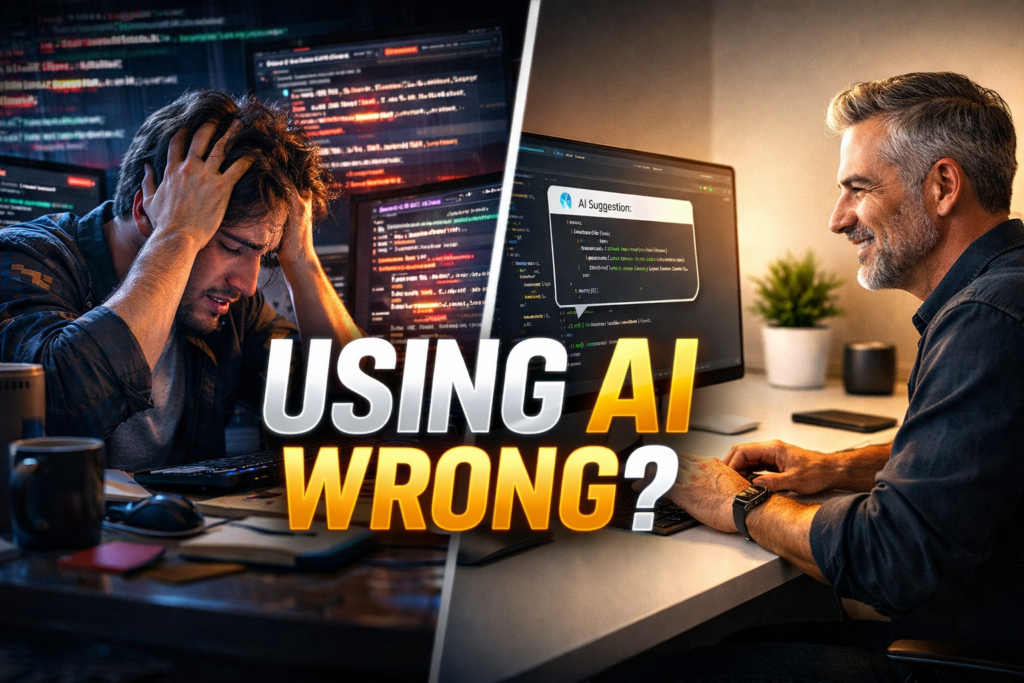
But for many, developers using AI wrong has quietly become a career risk.
AI writes code instantly. It explains errors. It suggests fixes.
At first, it feels like an upgrade.
But over time, many developers notice something alarming:
debugging feels harder
system design feels fuzzy
confidence drops without AI
This article explains why developers using AI wrong don’t notice the damage, what mistakes are most common, and how top developers use AI without losing their edge.
Why Developers Think They’re Using AI Correctly
AI rewards speed.
Developers love speed.
When code compiles and tests pass, it feels correct. But productivity isn’t the same as understanding.
Most developers using AI wrong judge success by:
fewer keystrokes
faster output
less friction
Top developers judge success by:
clarity
maintainability
long-term skill growth
The #1 Reason Developers Using AI Wrong Don’t Notice the Problem
The biggest danger isn’t bad code.
It’s lost reasoning.
When AI jumps straight to answers:
you skip problem framing
you skip trade-off analysis
you skip architectural thinking
This is how developers using AI wrong slowly lose the skills that once made them valuable.
How AI Shortcuts Quietly Damage Developer Skills
Debugging Skills Fade
If AI fixes errors instantly, pattern recognition disappears.
System Design Weakens
AI suggests local fixes, not global architecture.
Code Reading Becomes Harder
Developers using AI wrong struggle to explain code they didn’t mentally build.
Speed replaces mastery.
7 Costly Mistakes Developers Using AI Wrong Keep Repeating
1. Asking AI for full solutions instead of partial guidance
2. Copy-pasting without understanding
3. Skipping documentation thinking AI will “remember”
4. Letting AI choose libraries blindly
5. Trusting AI with security decisions
6. Using AI before thinking
7. Measuring productivity only by output speed
These mistakes compound over time.
How Top Developers Use AI as a Thinking Partner
Top developers don’t outsource thinking.
They use AI to:
challenge assumptions
generate alternatives
stress-test ideas
Instead of “write this code,” they ask:
“What are three ways this approach could fail?”
That’s the difference between developers using AI wrong and developers using AI well.
AI Workflows That Actually Improve Code Quality
Smart workflow:
Human designs the solution
AI reviews and challenges logic
Human refines
AI documents and formats
This preserves ownership while gaining speed.
AI should support thinking, not replace it.
When Developers Should NOT Use AI
Avoid AI when:
designing core architecture
handling security logic
learning new fundamentals
debugging complex race conditions
If you can’t solve it manually, AI will only mask the problem.
The Right AI Mindset for Developers in 2026
AI is now standard.
That means average developers will look the same.
The real advantage is:
judgment
explanation
reasoning
The future belongs to developers who think with AI, not developers using AI wrong.
AI Didn’t Lower the Bar — It Exposed It
AI didn’t make developers worse.
It exposed who stopped thinking.
If you want to stay valuable:
think before prompting
review before trusting
understand before shipping
Because in 2026, the most dangerous thing for developers
is using AI without thinking.